Press kit
horita is a free, open-source Mac menu bar app that stays quiet until a meeting is close, then counts down and gets you into the call in one click.
Short description
horita is a free, open-source Mac menu bar app for your next meeting. It stays a quiet icon until a meeting is close, then shows a countdown. One click joins the Zoom, Google Meet or Microsoft Teams call. It works with any calendar in macOS Calendar, needs no account and collects no analytics.
Long description
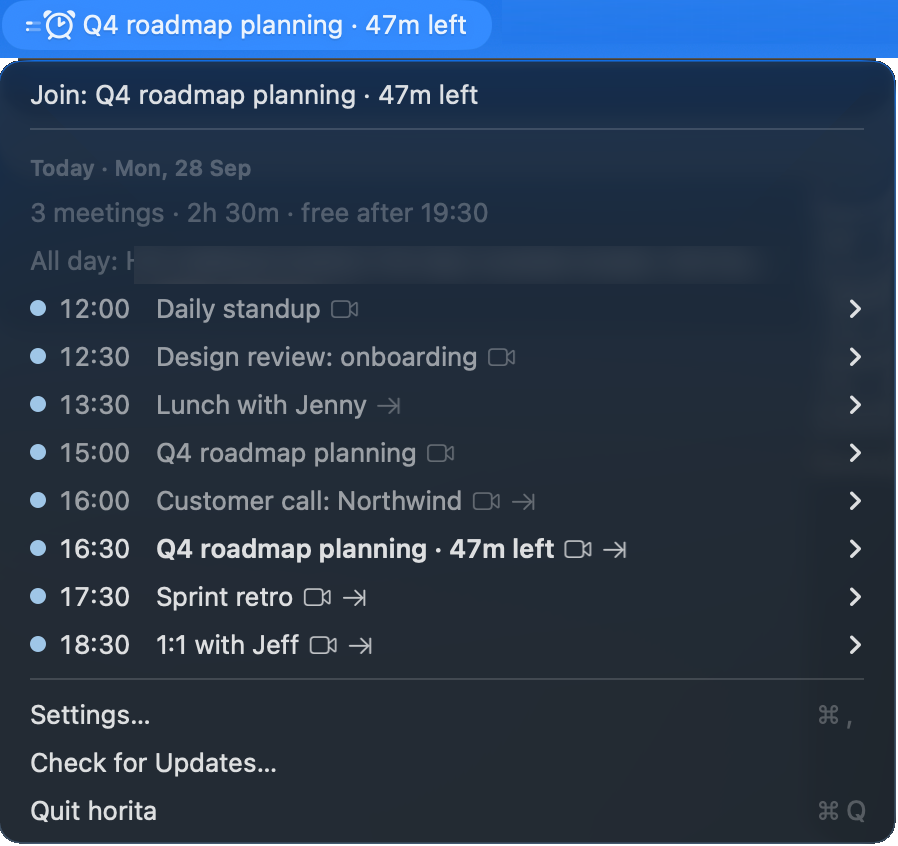
horita is a free, open-source menu bar app for macOS that keeps your next meeting in view. Most of the time it's just an icon. When a meeting gets close (you choose how close), a countdown appears, and while the meeting runs the icon fills in.
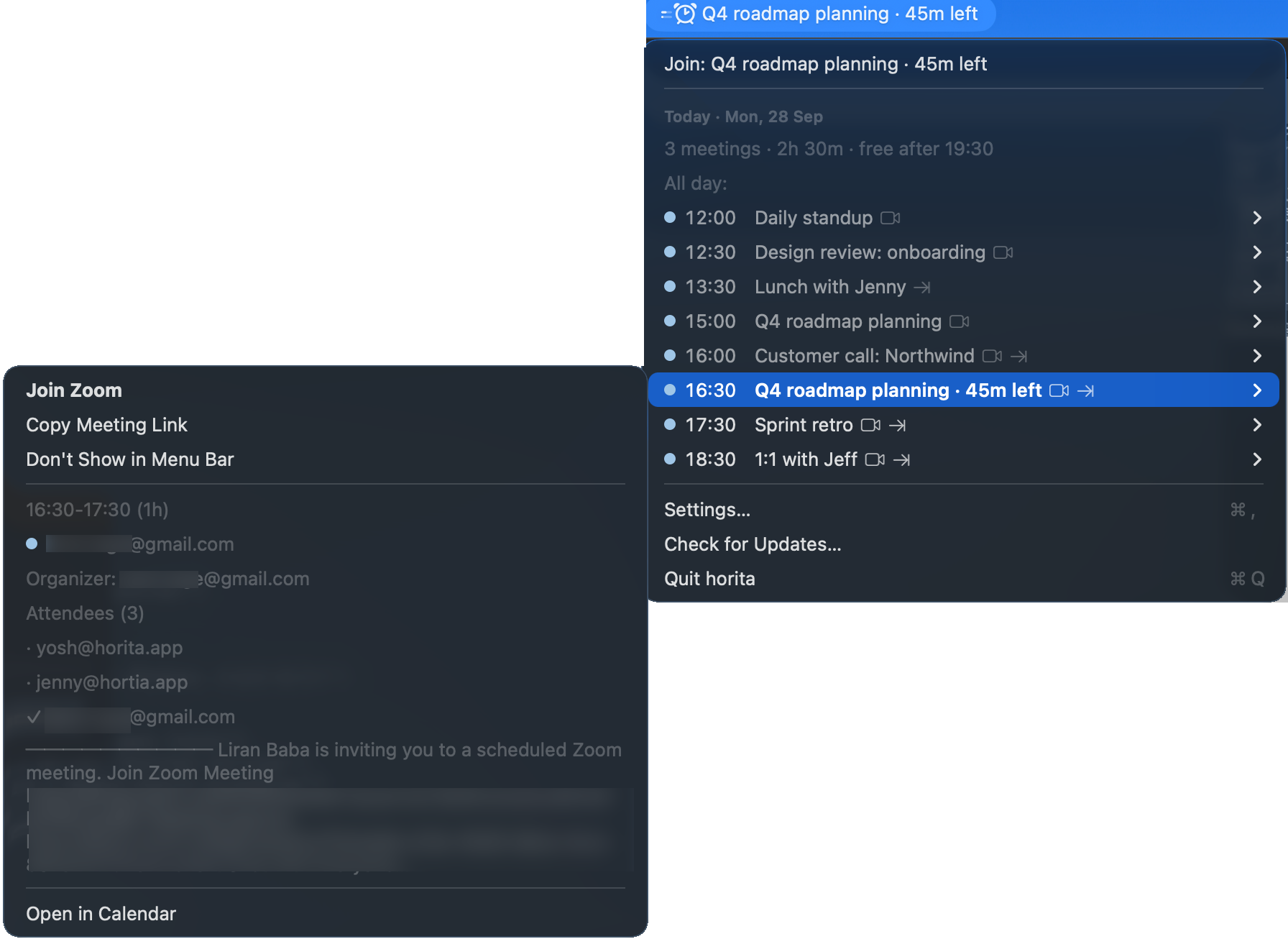
The dropdown lists the rest of today, with a summary line: how many meetings, how busy, and when you’re free. Overlapping and back-to-back meetings are marked, and once today is done it shows tomorrow’s first meeting. Hover a meeting for its location, organizer and attendees.
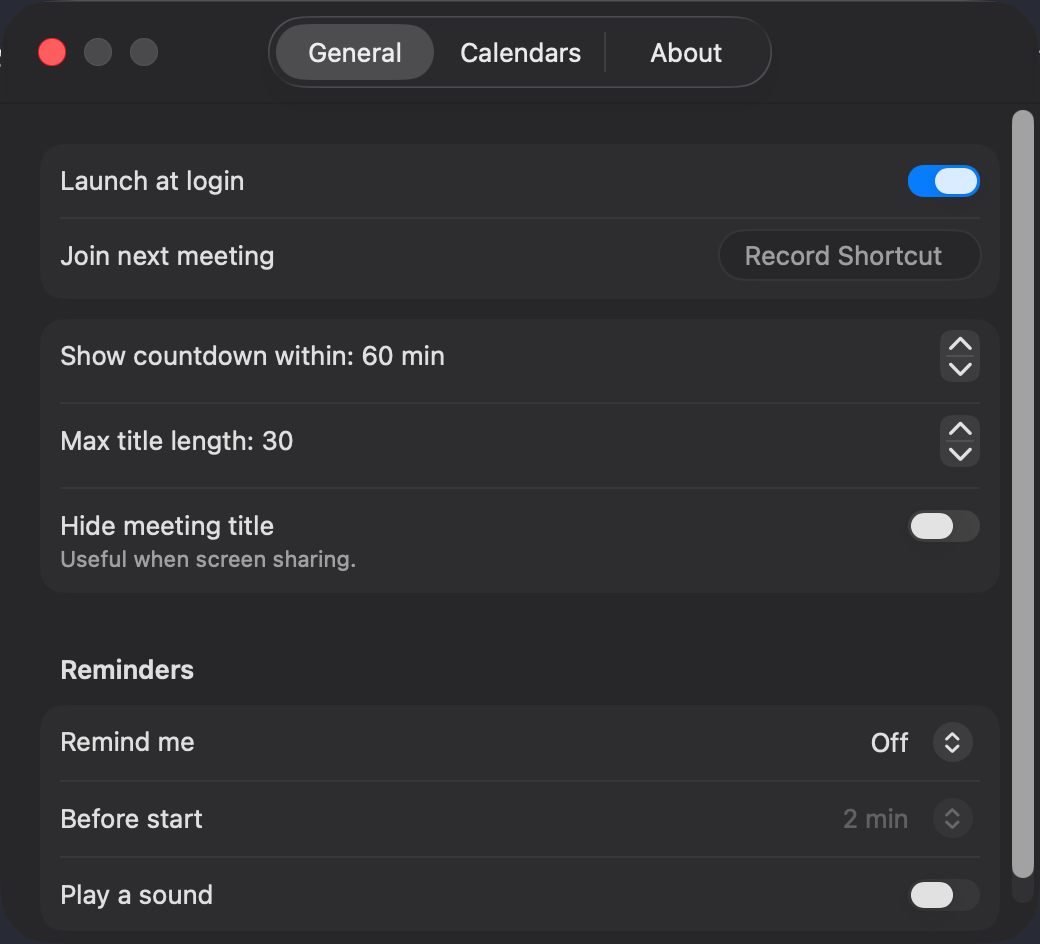
It finds Zoom, Google Meet and Microsoft Teams links on its own and joins with one click, a right-click or a keyboard shortcut. Reminders are off by default. It can also hide meeting titles while you share your screen. horita reads whatever calendars macOS Calendar has, including iCloud, Google and Exchange, and needs no account.
Fact sheet
- Name
- horita (always lowercase)
- Developer
- Liran Baba, independent developer
- Current version
- 0.2.0
- Requires
- macOS 14 (Sonoma) or later
- Price
- Free
- License
- MIT (open source). The horita name and logo are not covered by the MIT License.
- Released
- 0.1.0 on September 27, 2026
- Download
- dl.horita.app/latest/Horita.dmg
- Homebrew
brew install --cask cordwainersmith/tap/horita- Source
- github.com/cordwainersmith/horita
- Privacy
- No account, no analytics or telemetry. The only network use is update checks. See theprivacy policy.
- Contact
- hello@horita.app
Screenshots
Taken from a demo calendar with made-up events. Free to use when writing about horita.
Logo and icon
Please don’t alter the logo or icon, or use them to suggest endorsement.
 App iconPNG, 1024 × 1024 Download
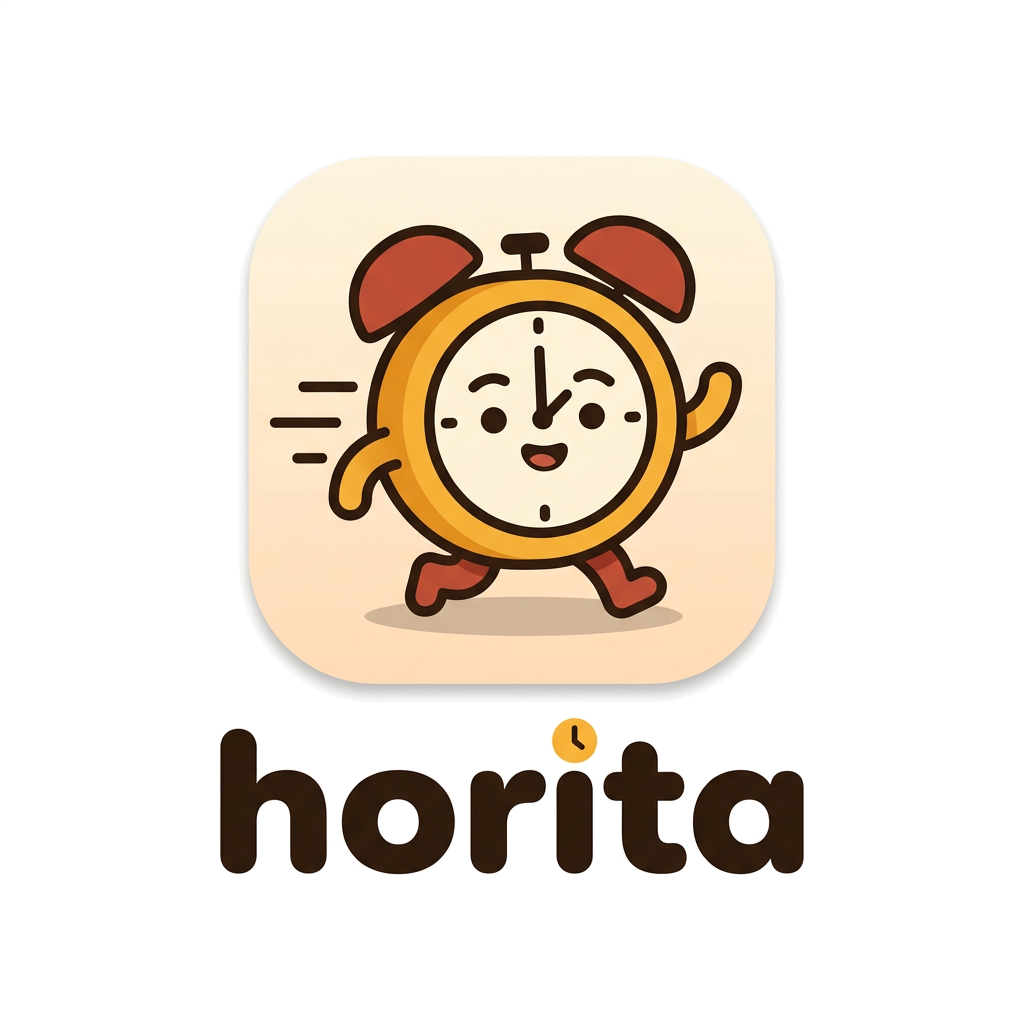 Logo for light backgroundsPNG, 1024 × 1024, transparent Download
 Logo for dark backgroundsPNG, 1024 × 1024, transparent Download
Uninstalling
- Choose Quit horita at the bottom of the dropdown.
- Drag Horita from the Applications folder to the Trash. If you installed it with Homebrew, run
brew uninstall --cask horitainstead. - Optionally, remove its preferences with
defaults delete dev.liranbaba.Horita.
About the developer
horita is made by Liran Baba, an independent developer. More atliranbaba.dev.
Contact
For press questions, email hello@horita.app.